
Fivetran is the automated data movement platform that extracts, loads and transforms the world's data.
The Fivetran Workable connector is a fully managed connector that extracts data from Workable, replicates and loads that data in your centralized data warehouse or data lake, where analysts can easily access and query it alongside the rest of your organization's data.
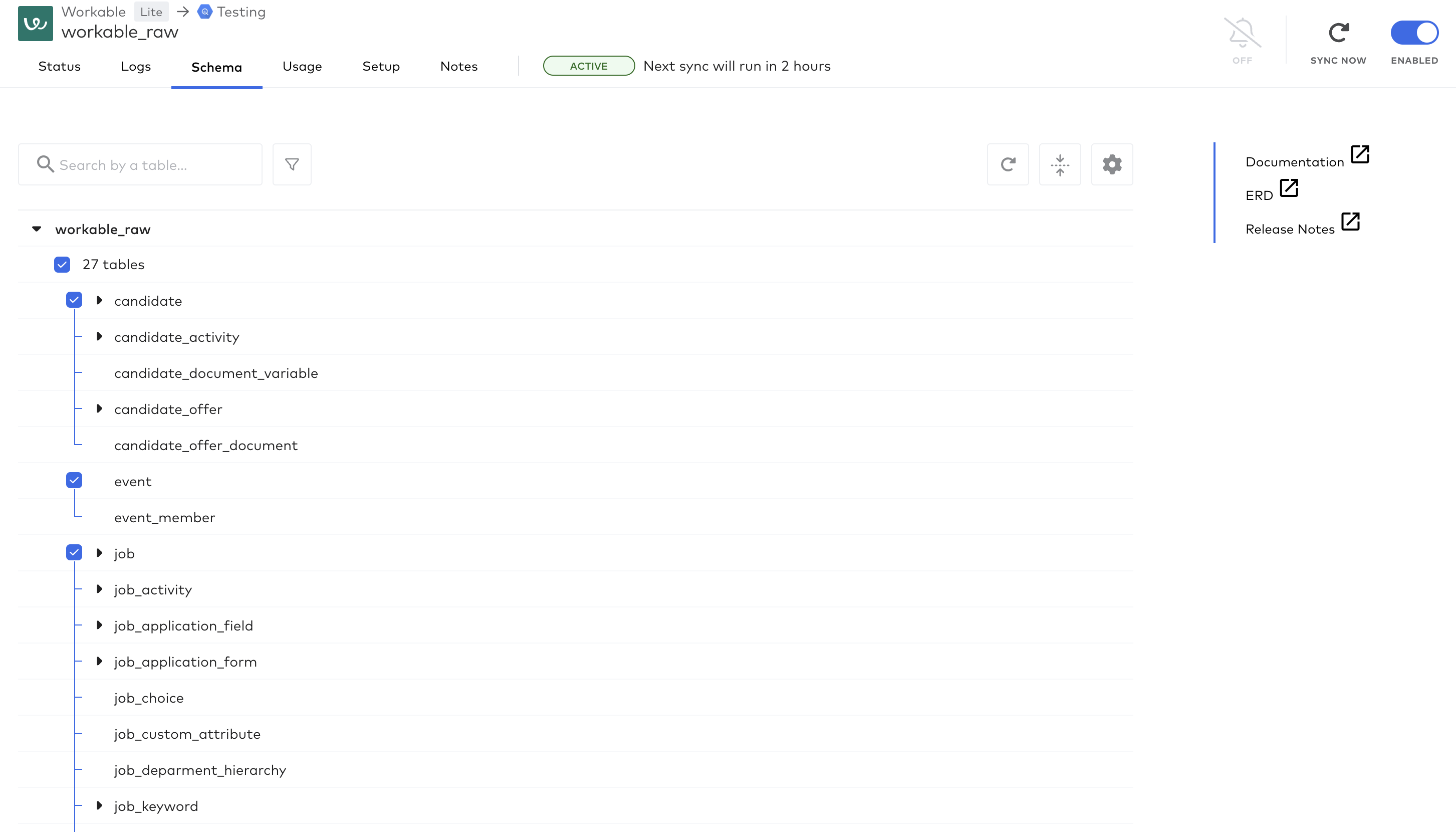
The connector provides access to a wide range of data from Workable, including:
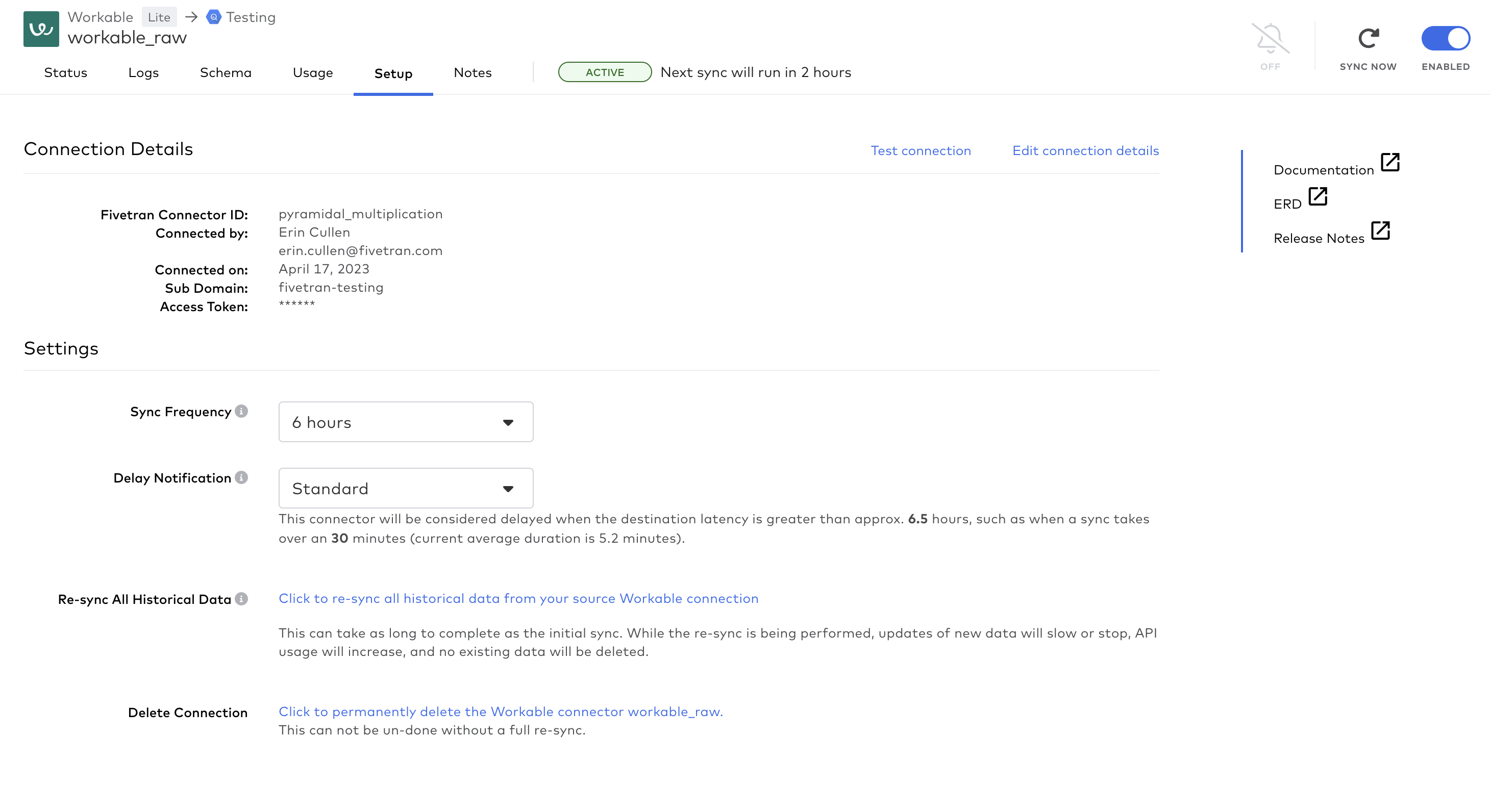
To set up the Fivetran Workable connector, you will need to:
The training manual for your whole team—where people and knowledge meet systems and processes. #1 for SOPs and training
Pebl helps manage your global workforce in one place with AI-powered tools, real-time insights, and seamless integrations. Hire, pay, and support talent anywhere with confidence.
The only API you need. Building two native integrations a quarter? There's a faster way to build with Truto.
Zmash is a recruitment and employer branding company with its own AI-driven chatbot and analytics platform. They create and analyze powerful conversations that help candidates apply to open positions on your career site easier, faster and in a mobile-friendly way.


.png?width=384&name=Copy%20of%20PEBL_Logo%20(1).png)

